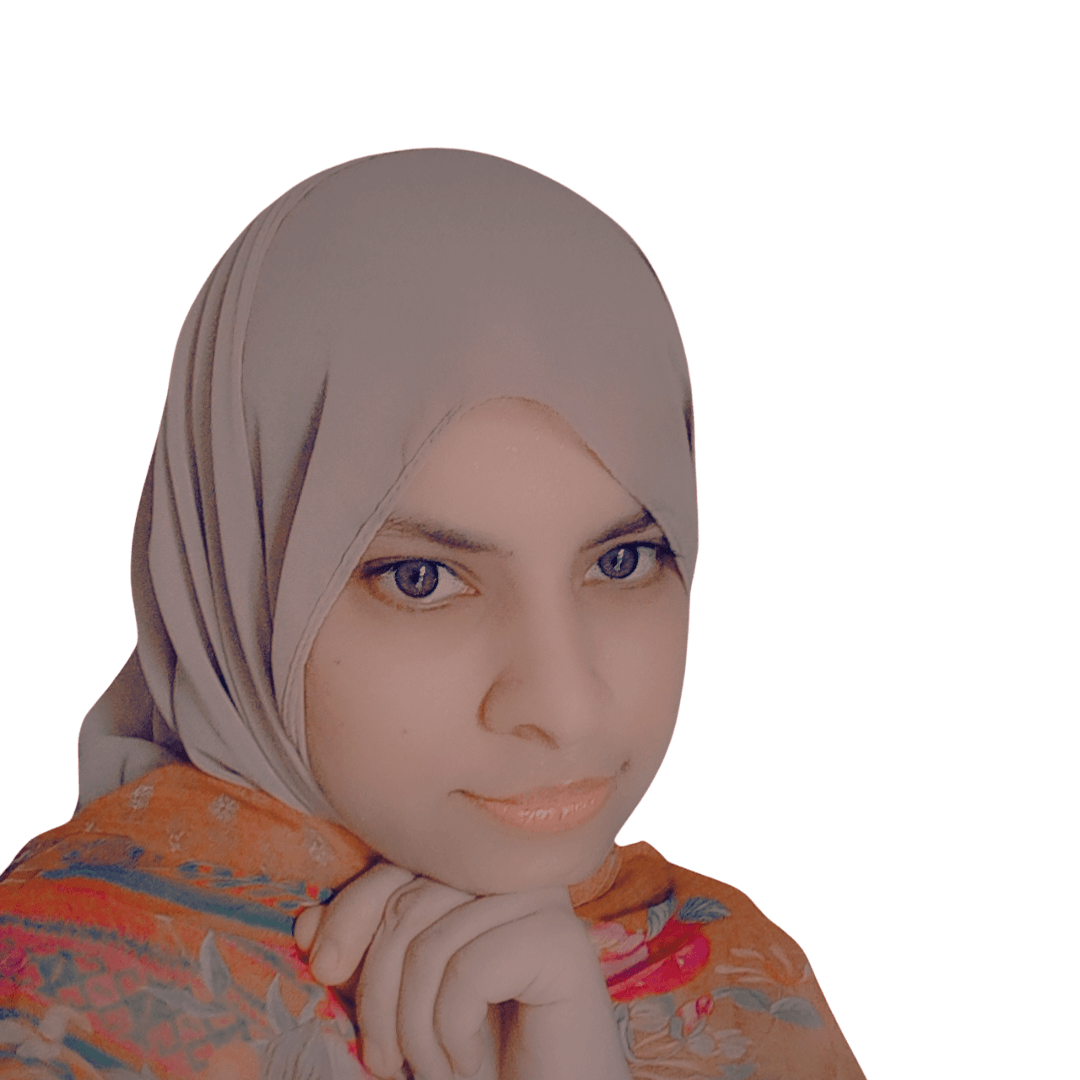
Hi, I am
Sania Imtiaz
Word Press Expert & AI Website Designer
An intelligent, versatile WordPress Expert based in Pakistan.
I am creating visually appealing and user-friendly Respnsive WordPress websites. They focus on layout, color schemes, typography, and interactive elements, ensuring consistency and usability.






Clients
About Us
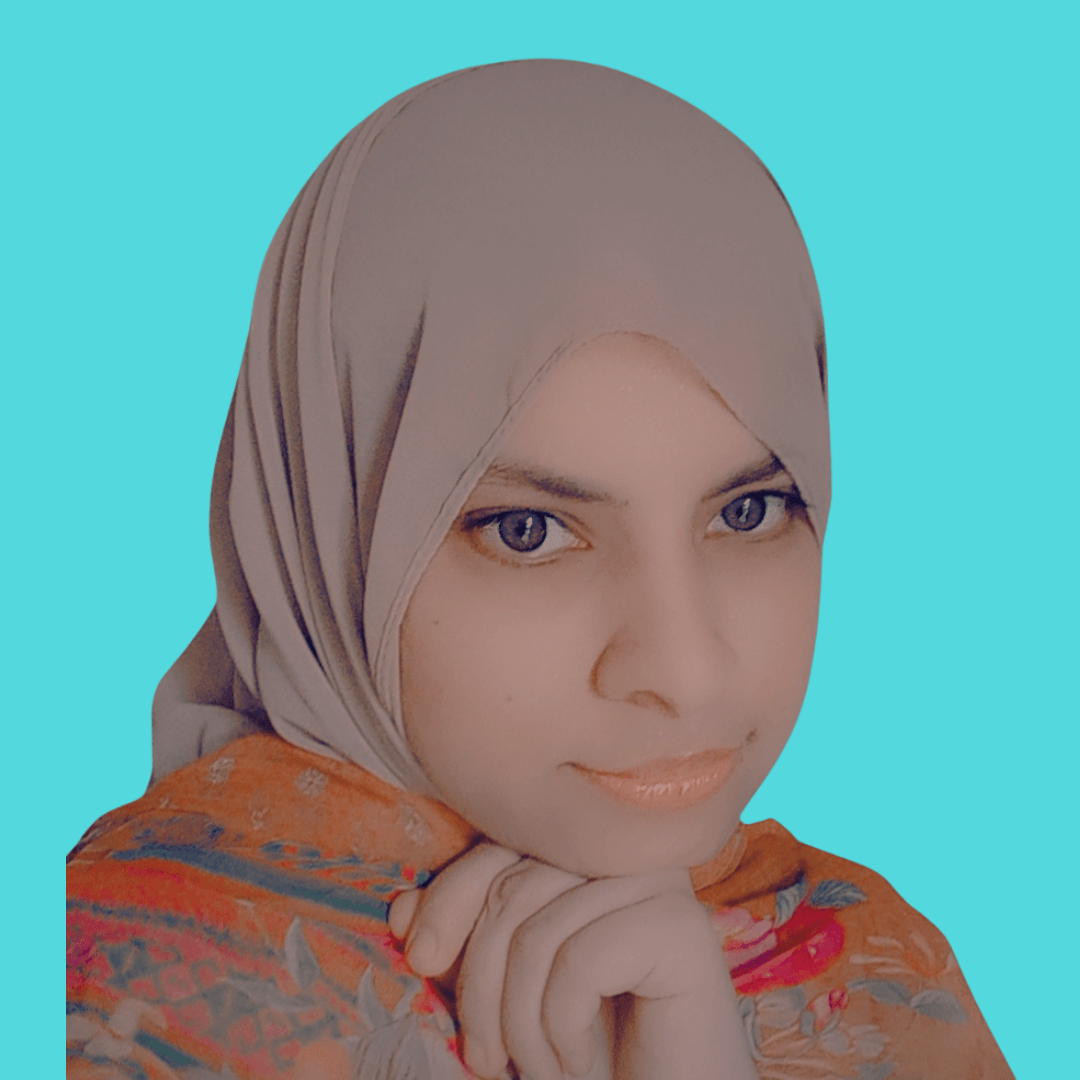
Myself Sania Imtiaz
I am a Passionate WordPress Expert. With 4 years of Experience in WordPress Websites, I am an efficient Blogger and Content Creator.
I’m a creative thinker, a problem solver, and an avid learner. I’m always exploring new design trends and techniques. My passion lies in crafting seamless user experiences and visually compelling designs that resonate with audiences and drive engagement.
WordPress Design
AI Website Designs
Envato Elementor &Themeforest
Woocommerce
My Services
My Website Design services focus on creating user-friendly, mobile-responsive, and high-converting websites for Clients and users.
01
Word Press Website Design Redesign Websites Premium Themes Customization Plugins , Security Setup
02
Wix Website Design & Redesign
03
Basic Seo, On Page Seo, Technical Seo
04
AI Website Design
Pricing Plan
Explore my Pricing Plans Which suits you Best
Basic Plan
- 2 Pages WordPress Website Design
- Hosting and Domain Setup
- Seo Basic
- Google Analytics Integration
- social media setup
Standard Plan
- 5 Pages WordPress Website Design
- Domain and Hosting Setup
- Seo Basic
- Analytics Setup
- one month support
- social media setup
- google search console setup
Premium Plan
- 8 Pages WordPress Website Design
- Hosting and Domain Setup
- On Page Seo
- one month Support
- Google Analytic Integration
- social media setup
- google search console setup
- Landing Page Design
- Logo Design
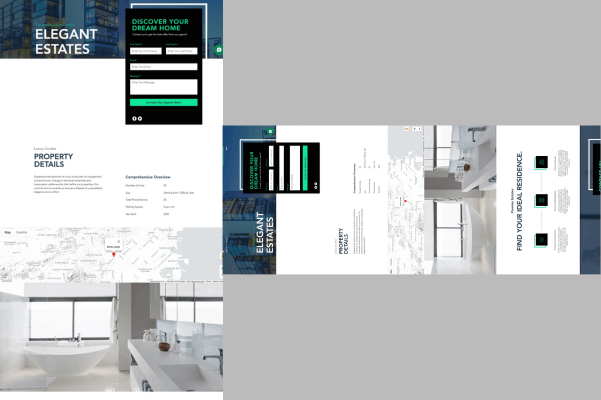
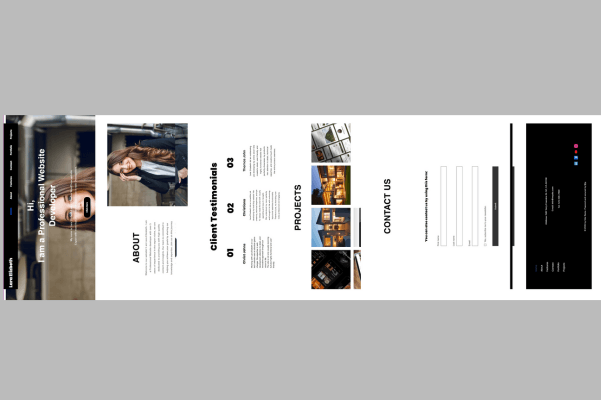
My Projects
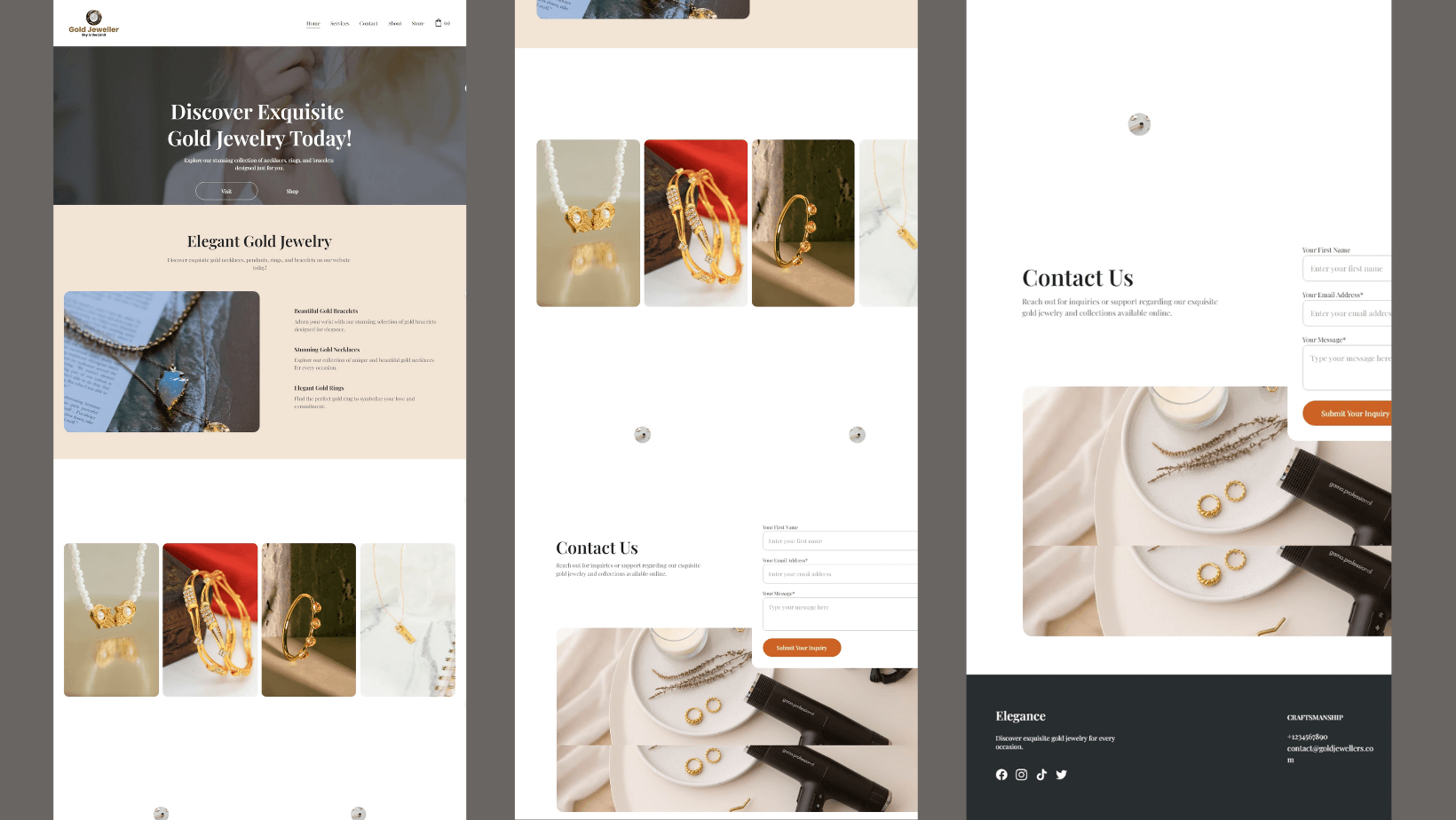
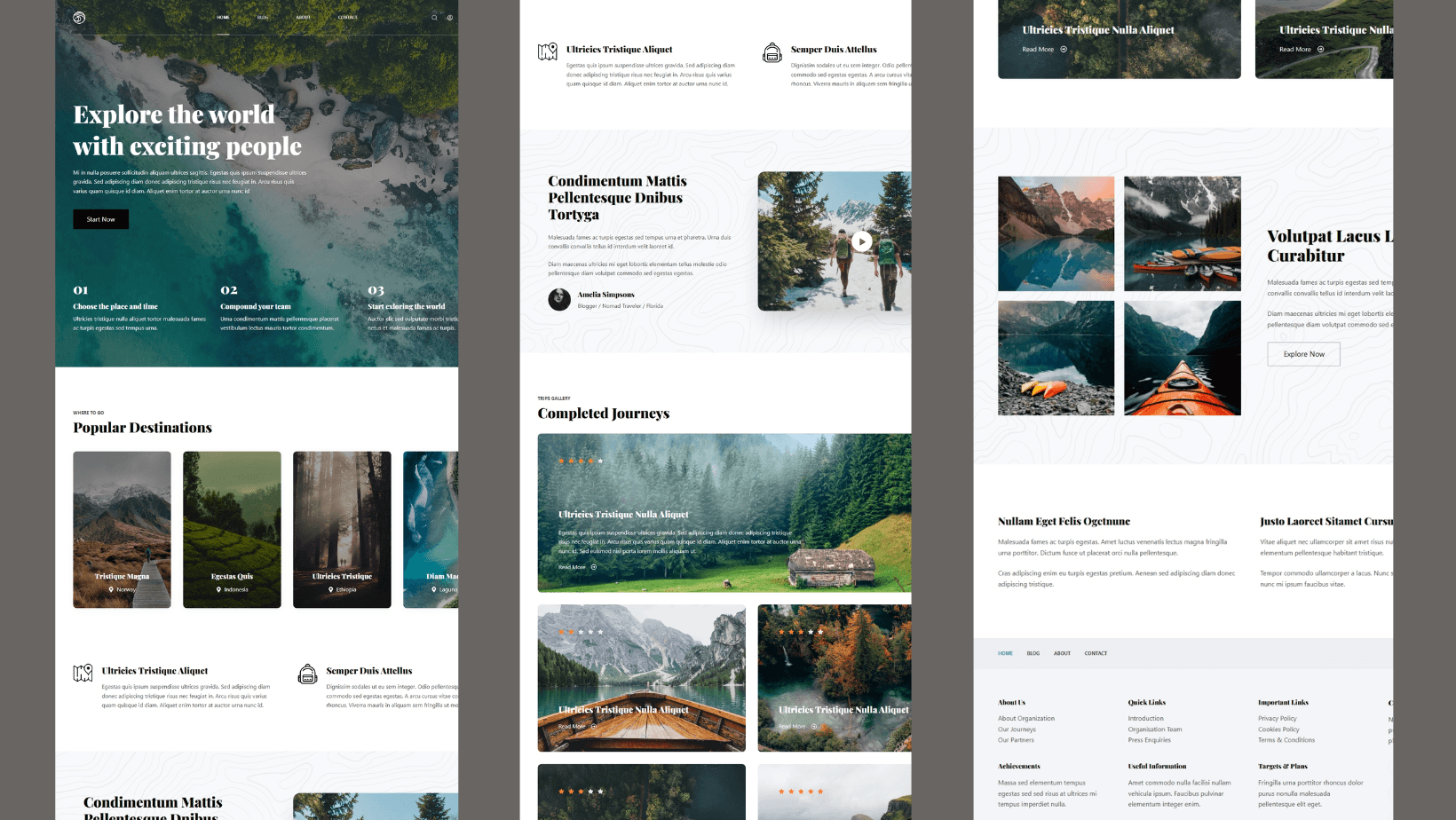
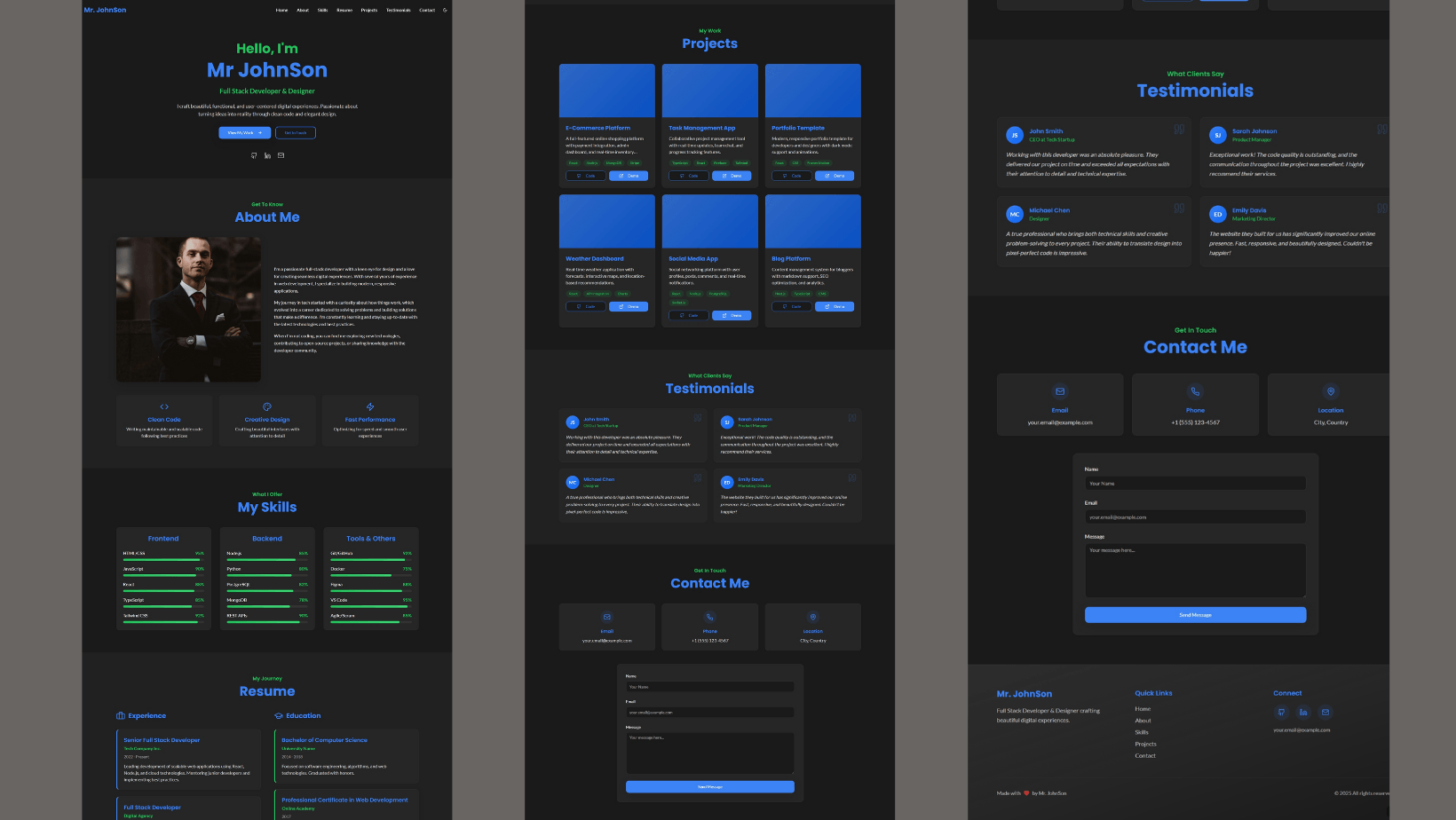
What My Clients Says
Clients Reviews


“I had the pleasure of working with Sania on developing my WordPress portfolio website, and I couldn’t be happier with the results.
She took the time to understand my vision and translated it beautifully into a clean, modern, and fully responsive website that showcases my work perfectly.
Client Reviews
5.0

Her attention to detail, design sense, and ability to incorporate feedback quickly made the entire process smooth and stress-free.
Sania also ensured the website was optimized for performance and user experience, and guided the management of content going forward.
5.0
Client Reviews

I highly recommend Sania to anyone looking for a skilled and reliable WordPress expert. Her expertise and dedication truly made a difference, and I’m proud to have her work represent my brand online.”
5.0
Client Reviews
Resume
Working Experience
WordPress Designer & Expert
2020- Present
- WordPress Website Design and Maintenance
- Fix WordPress Website Errors, Bugs, and Website Backups.
- Familiarize with WordPress Themes Customization and Plugins Setups
- 3 years of Experience in WordPress Blogging, Seo, and Content Creation.
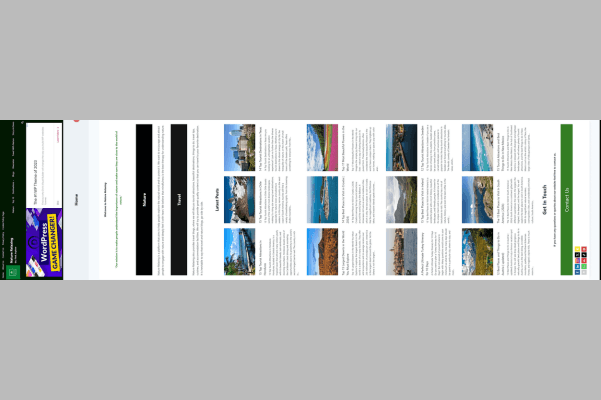
Nature Travel Blog Nature Relaxing
Blog Website Design 2021- 2024
Nature Relaxing is a nature travel Blog. I designed this Website on WordPress and have been successfully running this Blog for more than 3 years.
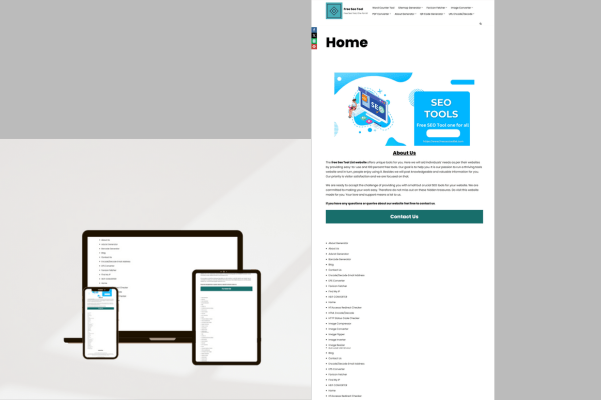
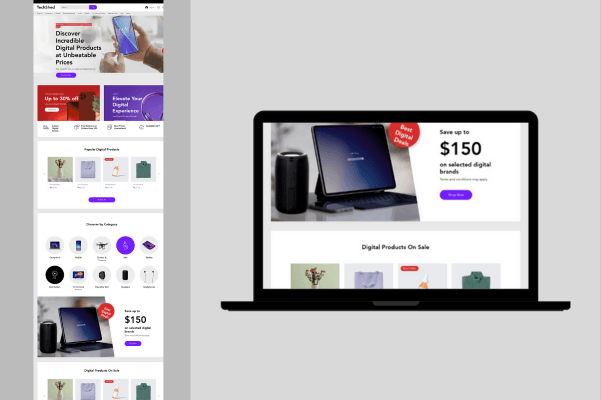
Free Seo Tools List
Seo Tools Website Design 2023
A complete Free Seo tool-based website. I designed this Website on WordPress in 2023, These tools are created from Chat GPT (AI).
Earned Certificates & Learning
WordPress Complete Course
Digiskills.pk, 2020
Build a Free Website With WordPress
Project Completed Coursera.com 2024
Use WordPress to Create a Blog for your Business
Project Completed Coursera.com 2024
Develop a Company Website with Wix
Project Completed Coursera 2025
WordPress Design Essential Training
Seo Complete Course
Earned Certificate From Digiskills 2024
Elementor WordPress Website Design
Earned Certificate from Linkedin Learning 2025
Earned Certificate from LinkedIn.com
My Skills
Our Website design services focus on creating visually engaging, user-friendly interfaces for websites.
Word Press
Wix
Seo
Figma
My Creative Work Flow
Our website design services focus on creating visually engaging, user-friendly interfaces for websites.
1. Discovery
2. Design
I begin crafting visually compelling and strategic designs. This step focuses on translating ideas into tangible visual concepts that align with your brand.
3. Development
I transform the visuals into a fully functional website. This phase involves discovery and to ensure your site is responsive and performs seamlessly across devices.
4. Launch
I rigorously test the website to ensure everything functions flawlessly before going live. Post-launch, I provide support and guidance to help you maximize your new online presence.
I dive deep into understanding your brand, goals, and target audience. Through detailed consultations and research, I gather essential insights that inform the entire design process.
Get In Touch
We’d love to hear from you! Whether you have a question, need support, or just want to say hello, feel free to reach out to us.
Website Design FAQs
Q1: How long does it take to design a website?
A: It depends on the complexity. A basic website can take 1–2 weeks, while advanced features may take 3–6 weeks.
Q2: Will my website be mobile-friendly?
Yes, all websites are designed to be responsive and optimized for mobile devices.
Will my website be SEO-friendly?
A: Yes. Basic SEO setup is included. For advanced SEO, plugins (WordPress) or built-in tools (Wix) can be used
Q4: Can I connect a custom domain?
A: Yes. You can connect a domain you already own or purchase a new one during setup.
Q5: What if I need help after the website is live?
A: Support options or maintenance packages are usually available based on your needs.
Q6: Can I use plugins on my WordPress site?
A: Yes. WordPress has thousands of free and paid plugins to extend functionality.
Q7:Is WordPress secure?
A: Yes, with regular updates and security plugins. But it’s essential to keep your themes and plugins updated.
Q8: Which Payment method I can use for received Payments?
A. I can receive Payments from Payoneer, but I cannot receive payments from other methods.
4 years of website design experience with these partner companies